Define the platform first
Select the model and named color configuration before preparing final artwork. Each platform has its own surfaces, proportions and limitations. A logo position shown on one case must not automatically be promised on another.
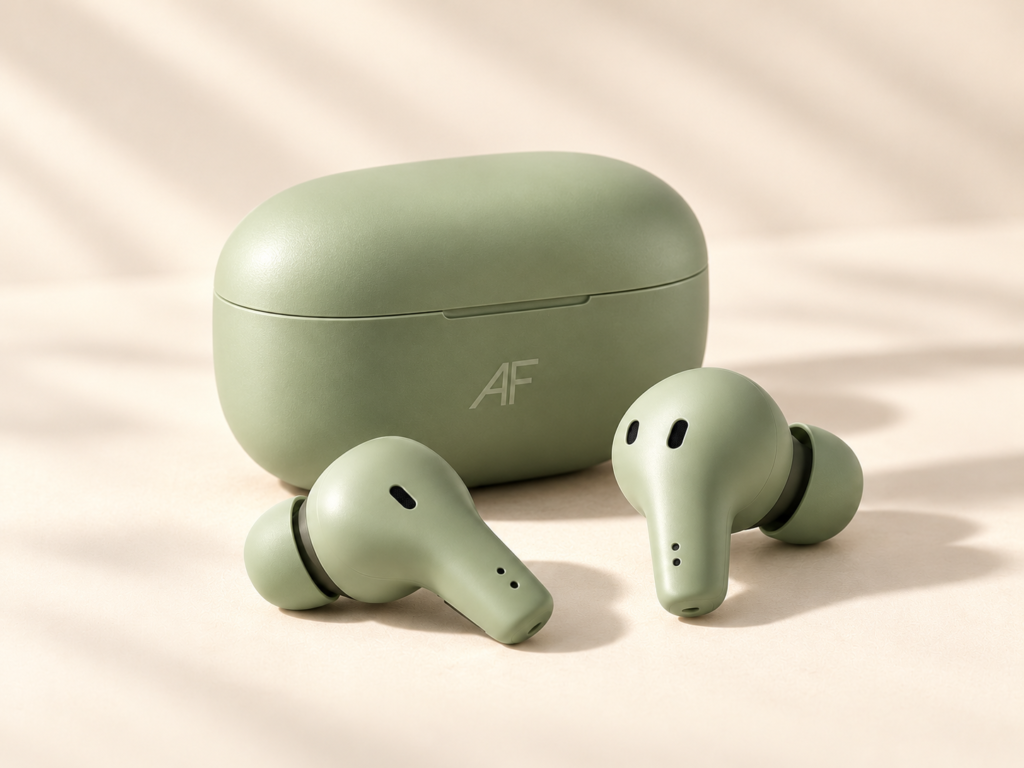
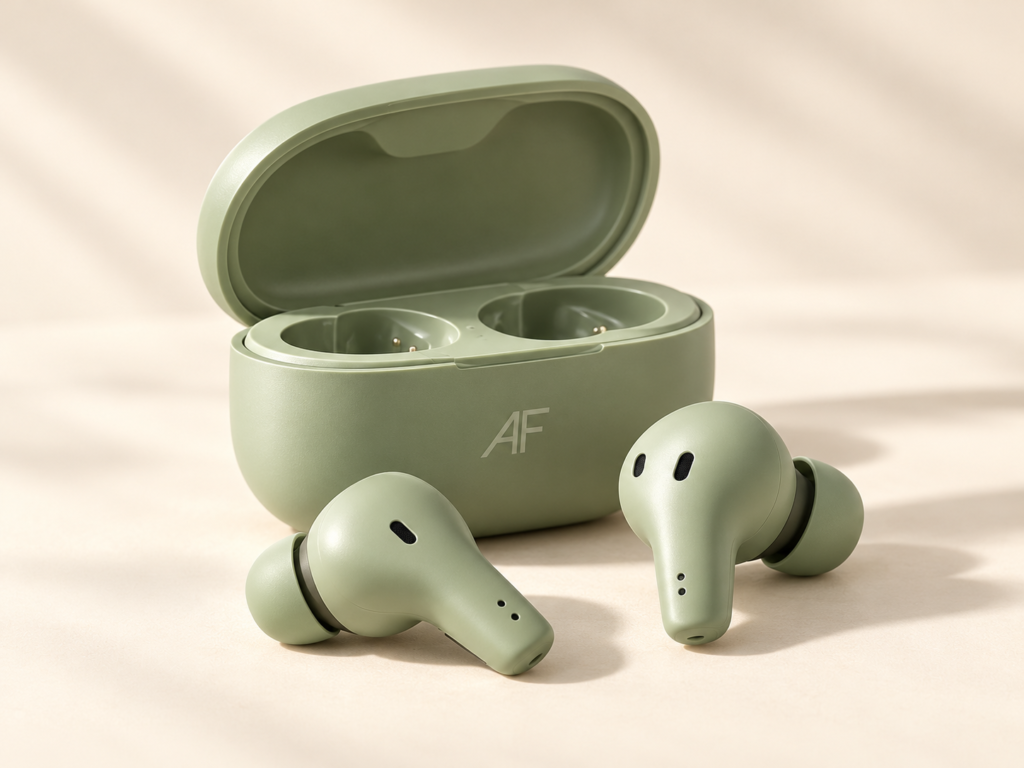
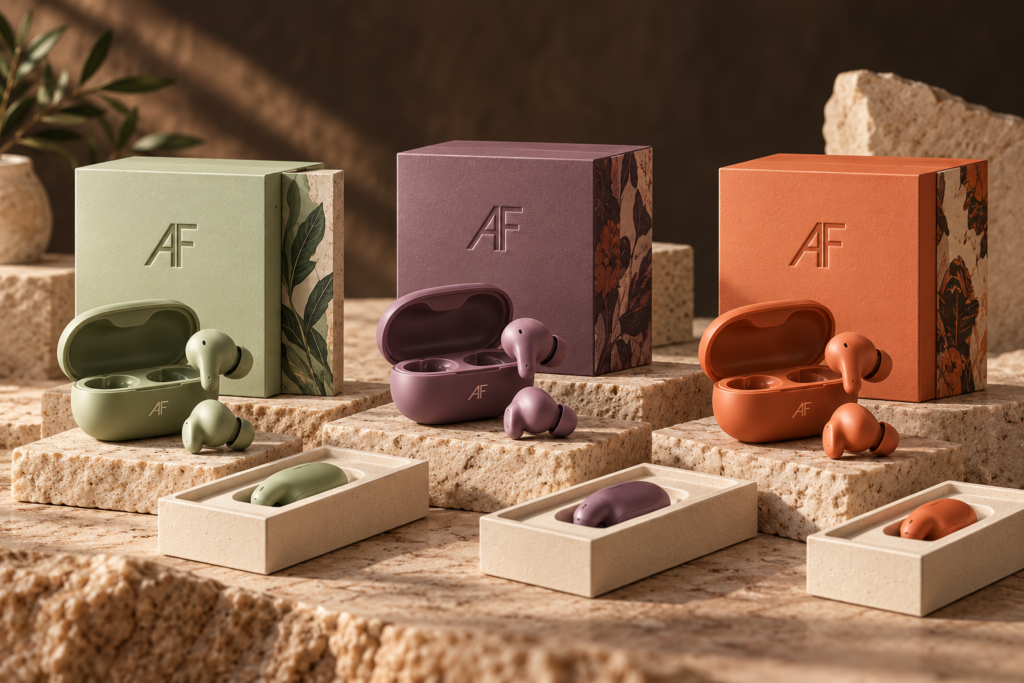
The concept images illustrate appearance and brand direction. They are not manufacturing drawings, print-ready dielines or proof of a completed sample.
Prepare your logo files
A vector file such as SVG, AI, EPS or PDF can help the production discussion. Provide an outline reference and intended size. For this demonstration’s inquiry uploader, convert your reference to a permitted PDF, JPG or PNG; it does not accept arbitrary design archives.
Confirm printing method, colors and the acceptable appearance on the chosen material. A photograph of the intended location is useful alongside the clean logo.
Plan the retail pack
| Item | What to prepare |
|---|---|
| Logo | Clean artwork and intended print location |
| Box | Structure, dimensions and artwork brief |
| Insert | Product, cable and accessory arrangement |
| Manual | Language and required information |
| Labels | Applicable market and channel information |
Confirm the sample
Review logo appearance, box color, insert fit and the included items on an appropriate sample. Record which artwork revision and product configuration were approved before discussing production.
Bespoke color development and retail packaging may carry separate illustrative MOQ values. Combined requirements must be reviewed together; the displayed figures are not added as independent orders.